I run a bilingual blog: Spanish and English. It is built with Astro and deployed on Cloudflare Pages. No ads, no cookies, no invasive trackers, no paywall. Just technical content grounded in real experience.
The problem is that a site can look polished and still be opaque to Google. If Google does not understand the language of a page, its canonical version, or its relationship to the rest of the site, that content becomes much harder to discover.
This article documents the concrete changes I implemented to take CRP.gi from an attractive but search-unclear site to one that is properly structured for indexing in two languages. Nothing here is theoretical. These are real changes I made in my own repository, including the mistakes that exposed what mattered.
The starting point: what I had and what was missing
When I launched CRP.gi, I had the basics covered: Markdown articles, frontmatter with titles and dates, an Astro layout that rendered everything, and Cloudflare Pages auto-deploying from GitHub. It worked. It looked good.
But once I reviewed it with SEO in mind, the list of gaps was longer than I expected:
- No meta descriptions on any article
- No
hreflangtags to signal that/es/espinaca-de-popeye/and/en/espinaca-de-popeye/were equivalent content in different languages - No JSON-LD structured data
- English articles rendering with
lang="es"in the HTML - No explicit canonical URLs
- No redirect from
www.crp.gitocrp.gi - No internal linking between related articles
- No “Start Here” page to orient first-time visitors
Each of those problems had a practical fix. Here is what I changed.
1. Meta descriptions: the easiest place to start
Every article needs a description field in its frontmatter: one or two sentences, ideally around 150 to 160 characters, that can appear in Google results and social media previews.
---
title: "My Article"
subtitle: "A descriptive subtitle"
description: "An SEO description different from the subtitle, optimized for clicks in search results."
---
Rules I followed:
- The description should complement the subtitle, not repeat it
- Keep it concise; Google often truncates longer snippets
- Write it for humans first, which usually makes it better for search as well
- Keep it in the same language as the article
In my case, I added description to all 38 articles (19 in Spanish and 19 in English) in a single pass. That field now feeds meta tags, Open Graph, Twitter Cards, and JSON-LD.
In the Astro layout, the <head> looks like this:
<meta name="description" content={description || subtitle} />
<meta property="og:description" content={description || subtitle} />
<meta name="twitter:description" content={description || subtitle} />
The fallback to subtitle is intentional. If an article does not have a description yet, it still has a usable default.
2. The lang attribute: a silent but serious bug
This was the most damaging issue I found. All my English articles were rendering with <html lang="es">. Every page under /en/ was effectively telling Google that it was Spanish content.
The bug was in src/pages/en/[slug].astro: the English article template had lang="es" hardcoded instead of lang="en". A one-letter typo that affected 19 pages.
The lesson is simple: after duplicating a template into another language, verify the lang attribute immediately. Users never see it, but search engines do.
3. Canonical URLs: one host, no ambiguity
Google needs to know which URL is the official version of each page. If your site is available at both crp.gi and www.crp.gi, Google may index both and split signals between them.
The fix has two parts.
In Astro, build the canonical with a fixed domain instead of Astro.url.href, which can reflect the request host:
const siteUrl = 'https://crp.gi';
const canonicalUrl = `${siteUrl}${Astro.url.pathname}`;<link rel="canonical" href={canonicalUrl} />
<meta property="og:url" content={canonicalUrl} />In Cloudflare, create a Redirect Rule to move www traffic to the apex domain:
- Cloudflare Dashboard → Rules → Redirect Rules
- Name:
www to apex - Filter: Hostname equals
www.crp.gi - Action: Dynamic redirect to
concat("https://crp.gi", http.request.uri.path)with status 301
That ensures Google sees a single version of every URL.
4. Hreflang: the signal a bilingual site cannot skip
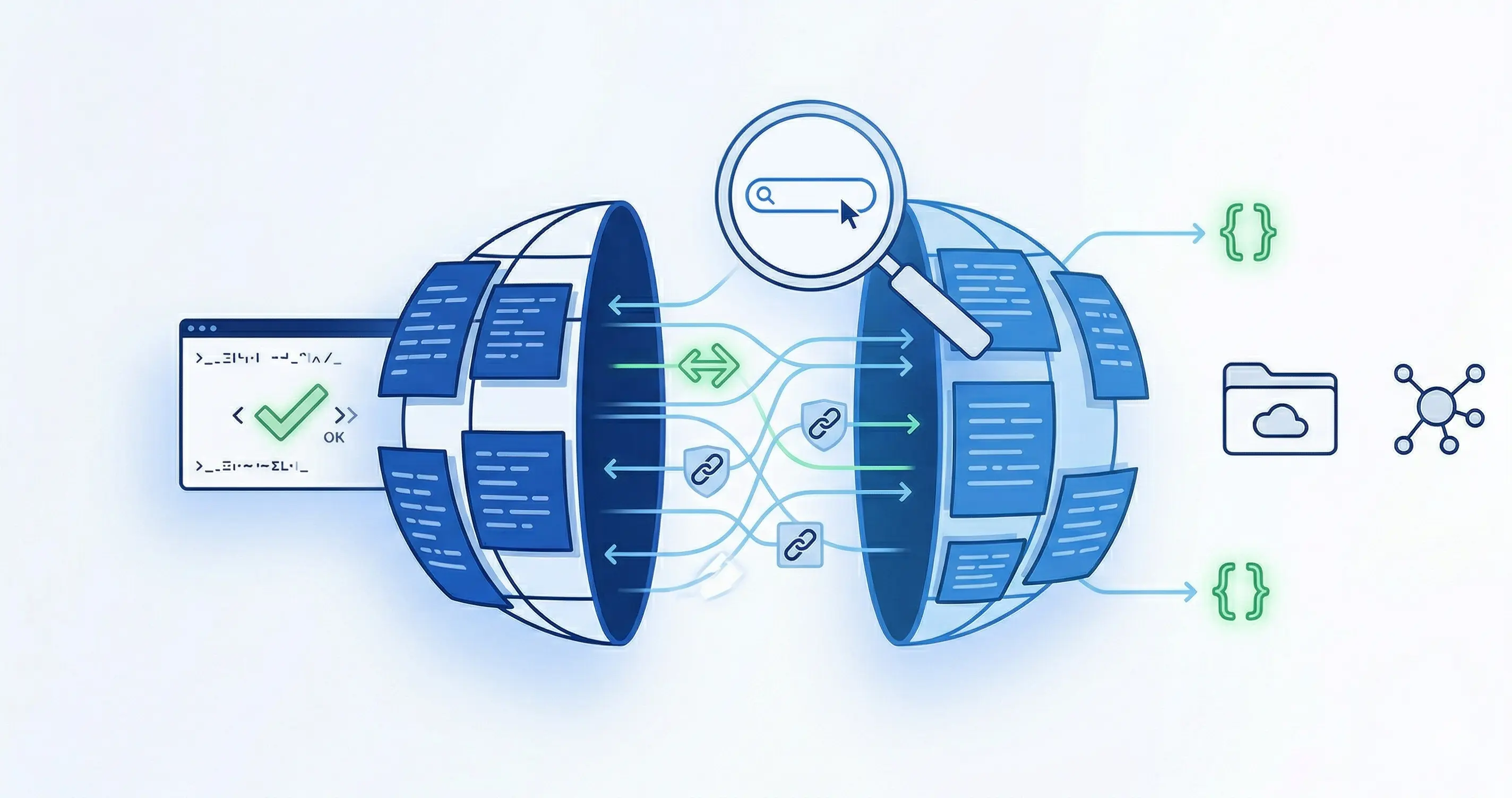
For a bilingual site, hreflang is one of the clearest ways to tell Google that two pages are equivalents in different languages.
In the <head> of each page, I added three tags:
<!-- Self-referencing -->
<link rel="alternate" hreflang="es" href="https://crp.gi/es/mi-articulo/" />
<!-- Alternate language -->
<link rel="alternate" hreflang="en" href="https://crp.gi/en/my-article/" />
<!-- Default -->
<link rel="alternate" hreflang="x-default" href="https://crp.gi/es/mi-articulo/" />
The x-default tag indicates which version should be shown when the user’s language does not match any available version.
In Astro, this belongs in the base layout. The alternate URL needs to be passed in from each page:
// In [slug].astro
const alternateUrl = post.data.alternateSlug
  ? `https://crp.gi/en/${post.data.alternateSlug}/`
  : `https://crp.gi/en/${post.data.slug}/`;
Important: hreflang should be reciprocal. If the Spanish page points to the English version, the English page should point back to the Spanish one. If that relationship is broken, Google may disregard the signal.
This applies to static pages like About, Contact, and Start Here as well, not only to articles.
5. JSON-LD: structured data that can unlock richer results
JSON-LD tells Google what kind of content a page contains. For a blog article, the correct schema type is BlogPosting.
<script type="application/ld+json">
{
  "@context": "https://schema.org",
  "@type": "BlogPosting",
  "headline": "My Article",
  "description": "SEO description of the article",
  "author": {
    "@type": "Person",
    "name": "Cesar Rosa Polanco",
    "url": "https://crp.gi/en/about/",
    "sameAs": "https://www.linkedin.com/in/cesarrosapolanco/"
  },
  "datePublished": "2026-04-03T00:00:00+01:00",
  "dateModified": "2026-04-03T00:00:00+01:00",
  "image": "https://crp.gi/images/articles/my-article.webp",
  "inLanguage": "en",
  "url": "https://crp.gi/en/my-article/",
  "mainEntityOfPage": {
    "@type": "WebPage",
    "@id": "https://crp.gi/en/my-article/"
  },
  "publisher": {
    "@type": "Organization",
    "name": "CRP.gi",
    "url": "https://crp.gi/",
    "logo": {
      "@type": "ImageObject",
      "url": "https://crp.gi/favicon.svg"
    }
  }
}
</script>
Details that matter:
datePublishedanddateModifiedshould include a timezone. Without it, some validation tools may flag the date fields or interpret them less clearly.author.sameAspointing to a LinkedIn profile helps connect your identity across platforms.inLanguageshould match the page’slangvalue.- Generate the JSON-LD dynamically from frontmatter in your Astro template instead of hardcoding it.
After deployment, validate it with Rich Results Test to confirm that Google reads it correctly.
6. Sitemap and robots.txt
Astro can generate a sitemap automatically with @astrojs/sitemap. Make sure astro.config.mjs includes the correct domain:
export default defineConfig({
  site: 'https://crp.gi',
  integrations: [sitemap()],
});
That produces a sitemap-index.xml listing all pages. Submit it in Google Search Console under Sitemaps.
For robots.txt, a simple file in public/robots.txt is enough:
User-agent: *
Allow: /
Sitemap: https://crp.gi/sitemap-index.xml
7. Internal linking: connect the content in clusters
Internal links help distribute authority between pages and give Google more context about how your content fits together. A related-posts block at the end helps, but the most valuable links are usually the ones placed naturally inside the article body.
I organized my content into thematic clusters:
- Practical AI: Popeye’s Spinach ↔ Anatomy of a Good Prompt ↔ AI Is Coming for Your Tasks
- Cybersecurity: Phishing ↔ MTA-STS ↔ AI & CyberSec at the Office ↔ The McKinsey Hack
- OpenClaw: Implementation → Part 2; The $83 Day → both OpenClaw articles
- Infrastructure: Network Deployment → SSO ↔ MTA-STS; MS365 Dashboard → SSO
Inside each article, I looked for natural references where a link to another article genuinely added context. For example, in the phishing article, when I mention email protection, linking to MTA-STS feels useful rather than forced.
For the related-posts block, the template logic looks for articles that share a category. If an article uses category ai-cybersec, it can surface related posts from both ai and cybersec.
8. Google Search Console: request indexing manually when it matters
After any significant change, it is worth requesting indexing in Google Search Console:
- Open Search Console and use the search bar
- Paste the full article URL
- Click Request Indexing
Google does not allow unlimited manual requests, so prioritize the pages that had the most important structural fixes, such as the lang correction.
The sitemap you submitted will eventually help Google recrawl the site, but manual requests can speed things up.
9. A “Start Here” page: orient the first-time visitor
A blog with more than 20 articles in two languages can feel overwhelming. A “Start Here” page gives new visitors a clear entry point and helps them understand the best path into the content.
Mine includes:
- A short explanation of what CRP.gi is
- Essential articles grouped by topic
- The single article I would recommend first in each cluster
It also works as an internal-linking hub, concentrating authority and redistributing it toward the strongest pages.
10. What I did not do, and why
I did not install Google Analytics with cookies. Cloudflare Web Analytics is free, privacy-friendly, and does not require a cookie banner. For a personal blog, that is enough.
I did not run ads. The content is the product. If the article is worth reading, people come back. If it is crowded with ads, they do not.
I did not do keyword stuffing. Titles and descriptions should reflect what the article actually says, not what a keyword planner suggests. Google is good at understanding synonyms and context.
I did not buy backlinks or do mass outreach. I write the kind of content I wish I had found when I had the problem. If it is genuinely useful, links arrive naturally over time.
Final checklist
If you are building a bilingual blog on Astro + Cloudflare Pages, this is the checklist:
- Meta descriptions on all articles, ideally around 150 to 160 characters and distinct from the subtitle
- Correct
langin every page’s HTML (esfor Spanish,enfor English) - Canonical URLs built from your fixed domain, not from the request host
- A 301 redirect from
wwwto the apex domain in Cloudflare Rules - Reciprocal
hreflangon all pages (ES↔EN +x-default) - JSON-LD
BlogPostingwith ISO-formatted dates and timezone - An auto-generated sitemap submitted to Search Console
-
robots.txtin/public/ - Internal links inside the body of the article, not only at the end
- A “Start Here” page that acts as a navigation hub
- Manual indexing requests for pages with critical structural changes
- Post-deployment validation with Rich Results Test
Every point on this list is something I implemented, tested, and verified in production. There is no theory here, just what worked for me.
Cesar Rosa Polanco - Written from real experience, with the assistance of artificial intelligence as a tool for cognitive amplification.