What is OpenClaw and why self-host it
In the world of conversational AI, most solutions are closed cloud services where your data passes through third-party servers. OpenClaw is different: it’s an open-source framework for building AI assistants that run on your infrastructure, with persistent memory, real integrations and command execution.
I deployed it on a DigitalOcean VPS with Claude as the LLM. This article documents the decisions, the problems and the lessons - not the installation commands (that’s what the official documentation is for).
Architecture
VPS: DigitalOcean Droplet (2 GB RAM, 2 vCPUs, Ubuntu) LLM: Claude Sonnet 4.5 via Anthropic API Channels: Custom WebChat + WhatsApp Integrations: Google Workspace (Gmail, Calendar, Drive, Docs, Sheets) via gogcli
The gateway runs as a systemd service, listens on loopback, and Caddy acts as reverse proxy with automatic SSL. The assistant maintains memory between sessions using Markdown files in the workspace:
~/.openclaw/workspace/
├── SOUL.md          # Assistant personality
├── USER.md          # User information
├── MEMORY.md        # Long-term memory
├── TOOLS.md         # Tool notes
└── memory/
    └── 2026-03-08.md  # Daily log
Hardening: not optional
An AI assistant with access to your Gmail, calendar and terminal can be devastating if compromised. Here’s what I implemented and why:
Firewall (UFW): deny-by-default, only ports 22, 80, 443. Everything else closed.
SSH: Ed25519 key authentication only, passwords disabled, root login prohibited. There’s no excuse for not doing this in 2026.
Fail2ban: brute force protection. In the first few weeks it banned over 1,600 IPs. Bots don’t rest.
Credentials: chmod 700 on the credentials directory, 600 on JSON files. If someone compromises the server, at least the Google tokens aren’t exposed.
OpenClaw includes an audit command (openclaw status --security) that verifies all of this at a glance.
Google Workspace: the real power
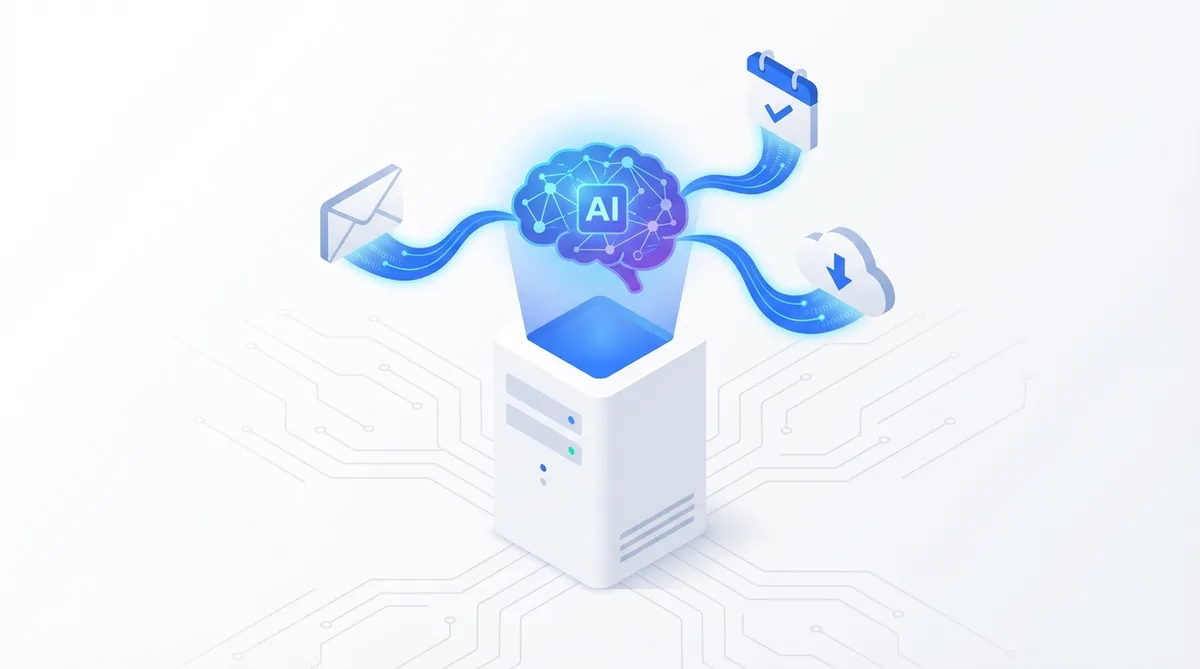
The integration that turns OpenClaw from chatbot into real assistant is gog - a CLI for Google Workspace with OAuth 2.0. It gives the assistant access to Gmail, Calendar, Drive, Docs, Sheets and Contacts.
The OAuth setup
You need a Google Cloud Console project with the APIs enabled, Desktop App OAuth credentials, and the right scopes (Gmail, Calendar, Drive, Docs, Sheets, Contacts). Authentication on a headless server requires an SSH tunnel for the OAuth callback - not intuitive but it works.
What it can do
Once configured, the assistant can do things like:
# Search recent emails
gog gmail messages search "newer_than:7d" --max 10

# Create calendar event
gog calendar create primary \
  --summary "Team meeting" \
  --from "2026-03-10T14:00:00Z" \
  --to "2026-03-10T15:00:00Z"

# Upload file to Drive
gog drive upload ./report.pdf

# Send email
gog gmail send \
  --to user@example.com \
  --subject "Daily Report" \
  --body "Today's summary attached."
All invoked by the assistant autonomously when you ask in natural language.
Automated financial watchlist
One of the most interesting use cases: a cron job that checks stock prices, compares against configured thresholds, and sends email alerts for significant changes. Semi-automatic by design - the assistant prepares, I approve.
Lessons Learned
OAuth > API Keys. Google Workspace with OAuth 2.0 lets you revoke access without changing passwords, provides granular scopes, and offers access auditing. Always OAuth when available.
The sandbox protects but limits. OpenClaw runs commands in Docker by default. It protects the host, but tools like gog need host access. The solution: disable sandbox with compensating controls (loopback binding, token auth, Caddy proxy, WhatsApp allowlist).
Documentation is for you, not the report. The assistant is only as good as its documentation. Keeping TOOLS.md and SKILL.md up to date makes the difference between a useful assistant and one that constantly asks what tools it has available.
The skill file defines the agent’s boundaries. During testing, the assistant couldn’t upload files to Drive - not because gog didn’t support it, but because SKILL.md didn’t document that command. The agent doesn’t know what you don’t tell it it knows.
Session separation matters. Multiple channels (web, WhatsApp) are separate sessions that don’t automatically share memory. Shared memory files (MEMORY.md) solve this.
Costs
| Component | Monthly cost |
|---|---|
| VPS (DigitalOcean) | $12-24 |
| Claude API (Anthropic) | $10-50 (usage dependent) |
| Google APIs | Free (within quotas) |
| Estimated total | $25-70/month |
Compared to cloud AI services that don’t include real integrations or data control, it’s very competitive.
What’s next
The current implementation covers a hardened server, Google Workspace, persistent memory and scheduled tasks. On the roadmap: voice integration (Twilio + ElevenLabs), custom web dashboard, and billing automation. (The follow-up article documents voice deployment, 1Password integration, and what it actually costs to run in production: OpenClaw Part 2.)
Interested in self-hosting your own AI assistant? The official documentation is at docs.openclaw.ai.
By: Cesar Rosa Polanco - Based on a real case, with editorial support from artificial intelligence.