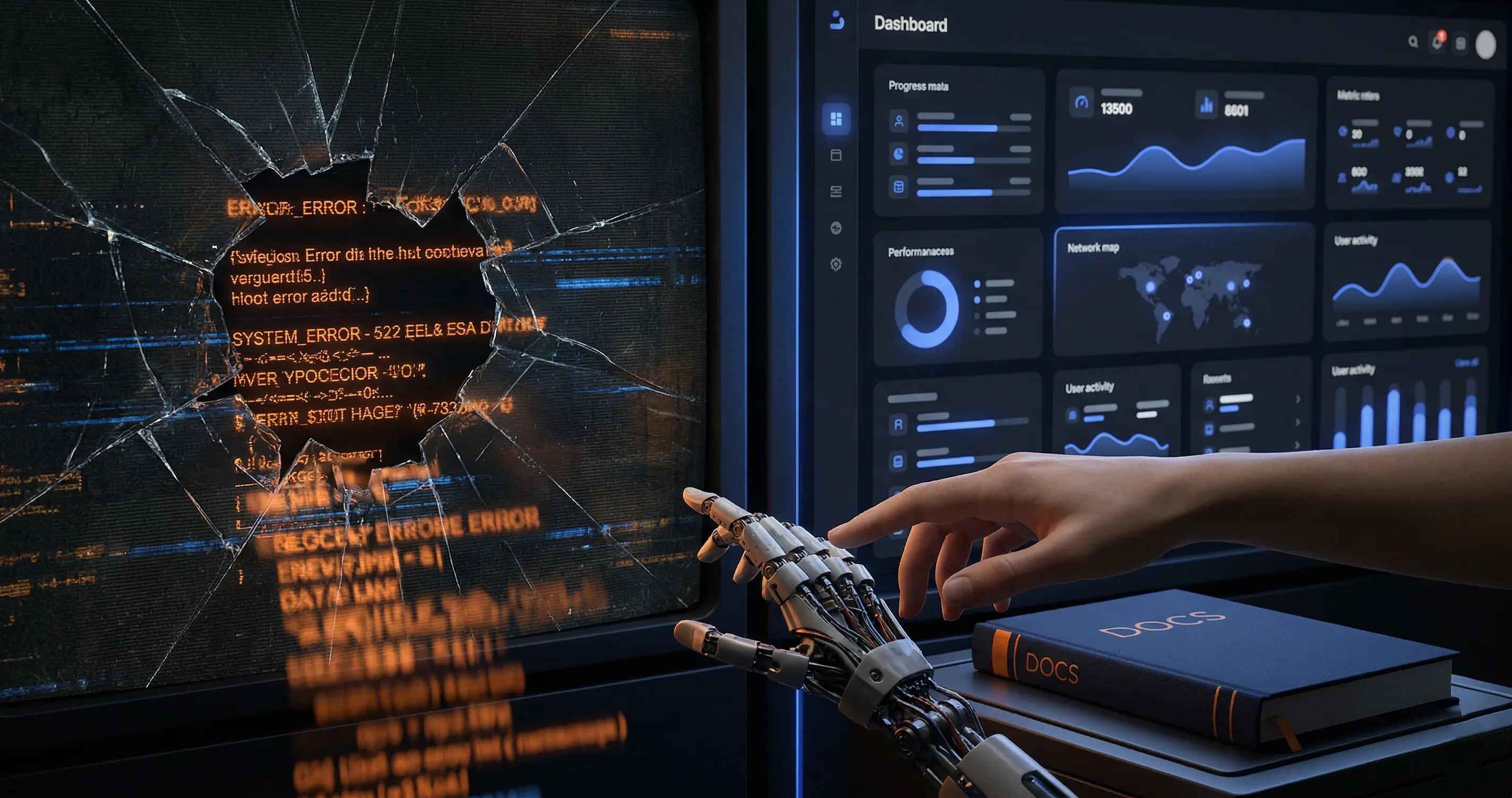
A simple OpenClaw update command turned a routine task into more than 6 hours of troubleshooting. My personal AI assistant - an autonomous agent that runs 24/7 across multiple messaging channels, executes automated tasks, and monitors my infrastructure - stopped responding entirely. What followed was a chain of errors that were anything but obvious, exposing real risks of relying on an LLM to solve infrastructure problems.
Before We Continue: A Bit of Personal Context
I’m not a Linux systems administrator. VPS servers, systemd, process management, and Linux services are still relatively new territory for me, something I’m learning with the help of artificial intelligence. Networking, infrastructure, and Windows since the NT4 days are my home turf, but the Linux layer is a different story.
AI guides me through that journey. It explains commands, walks me through configuration files, and translates error logs into human language.
But this time, AI didn’t guide me. It was running beside me blind, tripping over every rock in the path and dragging me with it. You can imagine how that turned out.
What saved us was applied logic: the human decision to recognize that the AI was stuck in an unproductive loop, stop it, and redirect it toward the official OpenClaw documentation and real cases from other users. That moment of “stop, this isn’t working; go read the docs” is what finally got us unstuck.
The Scenario
My AI assistant runs on OpenClaw, an open-source gateway deployed on a cloud VPS. It’s the nerve center of my operation: managing communications across multiple channels, running scheduled security tasks and monitoring. When it goes down, my operation stops.
The update seemed minor. A maintenance version bump. In practice, it was a disaster.
What Actually Failed
The update did exactly what it was supposed to do: it updated the software. But it exposed latent problems and architectural changes that, combined, created a perfect storm.
1. A Forgotten Environment Variable
An environment configuration file contained a hardcoded version number from the original installation, a value nobody touched because nobody knew it existed. Previous versions ignored it. The new version read it, and all internal plugins refused to load because they saw a system version lower than what they required. OpenClaw crashed in an infinite loop, restarting every 10 seconds.
The fix was changing one line. But finding that line took over an hour.
2. A Silent Change in Credential Management
In practice, the new version changed how OpenClaw resolved provider credentials in my installation. I had been leaning on environment variables and legacy compatibility. After the update, the runtime started depending on per-agent auth profiles in ~/.openclaw/agents/<agentId>/agent/auth-profiles.json. Without that file, no model came up: automated tasks failed, the agent couldn’t respond, and fallback models failed too because none of them had usable credentials.
That only became clear after I watched the logs repeat the same pattern provider after provider.
3. A Ghost Service That Killed Everything
During troubleshooting, the LLM suggested running a diagnostic command as root. This silently created a second service with auto-restart enabled. That ghost service ran in parallel, fought for the same network port, and killed the legitimate service every time it started. Each gateway instance died after 4 or 5 seconds.
This was the hardest error to find. The logs showed that something was terminating the process, but gave no clue about what was doing it. It became an hours-long process of elimination, hours the LLM spent guessing instead of investigating.
4. A Network Discovery Module Incompatible with the Environment
OpenClaw includes Bonjour/mDNS discovery for local-network scenarios. On a cloud server with no real LAN, that module caused errors serious enough to crash the entire process. The fix existed and was documented, but you first had to know where to look: disable it with OPENCLAW_DISABLE_BONJOUR=1 or adjust discovery settings for the environment.
5. A Change in Startup Behavior
The new version changed how the service started. The main process spawned a child and exited. My system service interpreted that exit as a failure, so it restarted the process and killed the legitimate child. An infinite loop of starting and dying.
The solution was in the official documentation: let openclaw doctor migrate the service or reinstall it with openclaw gateway install, instead of maintaining a custom unit file that no longer reflected how the gateway actually behaved.
The Real Problem: AI as a Blind Guide
I used an advanced LLM for troubleshooting. And here’s the most important lesson from this entire experience: an unsupervised LLM can cause more damage than the original problem, especially when the person operating it is still learning.
In my case, the LLM:
- improvised solutions without consulting the official OpenClaw documentation
- tried parameter combinations blindly, creating new problems
- suggested the command that introduced the ghost service
- burned hours and resources repeating trial-and-error cycles without a clear theory
- missed patterns that an experienced administrator would probably have identified in minutes
When you’re learning a new field with AI as your guide, a trust relationship forms. You tell it “do it” and it does. You ask “what’s happening?” and it explains with conviction. The problem is that conviction isn’t always backed by real knowledge. An LLM can sound completely sure while taking you in the wrong direction.
The turning point came when I stopped trusting blindly and started questioning. “Did you check the documentation?” “Why are we trying this again?” “Don’t make things up; search.” That shift - from passenger to co-pilot - is what finally led us to the real solutions.
What I Learned
-
Read the full changelog before updating. An update can change how OpenClaw manages credentials, how it starts, and what it expects from the environment.
-
Back up before touching anything. A copy of your configuration and state takes seconds and can save you hours.
-
Be careful with privileged commands. Don’t run diagnostic tools as root if your gateway runs as another user. An automatic “fix” can create invisible conflicts.
-
If you use AI for troubleshooting, demand documentation. Don’t accept improvisation. If it doesn’t know, it should search. If it can’t find the answer, it should say so. The worst response from an LLM isn’t “I don’t know”; it’s a fabricated answer delivered with total confidence.
-
AI amplifies what you already have. If you have experience, it amplifies that. If you have doubts, it amplifies those too. Learn to be the co-pilot, not the passenger.
-
Legacy configurations are time bombs. Audit your environment files and auth profiles regularly. A value that worked three versions ago can break everything in the next one.
-
The most valuable moment in troubleshooting is when you decide to stop. Realizing you’re stuck in an unproductive loop and changing approach is worth more than 100 blindly executed commands.
Final Note: Open Source Doesn’t Wait
Since that incident, OpenClaw has kept shipping at a rapid pace: multiple releases per week, each one bringing fixes, new features, and changes that sometimes require configuration adjustments. In fact, after documenting that experience and building a robust update procedure, I’ve tested it successfully several times. The most recent update - from v2026.3.31 to v2026.4.2 - took 15 minutes, without a single error.
Open source moves fast. If you run infrastructure built on active projects like this one, updates aren’t optional; they’re part of the job. The key is having a documented procedure, a backup before every change, and the ability to question your AI tool when it starts going in circles.
If you want the step-by-step procedure that came out of this experience, I documented it in How to Update OpenClaw Without Breaking Anything.
By: Cesar Rosa Polanco - Based on a real case, with editorial support from artificial intelligence.