The scenario
You bought a domain. Maybe it is for a project you plan to launch in a few months, a business idea you are still shaping, a long-term investment, or simply a defensive registration to protect your brand. The domain sits there under your name, with no website, no mail, nothing.
The problem is that this “empty” domain can also become a useful tool for an attacker.
Without a minimum security configuration in DNS, someone can try to send emails that appear to come from your domain. Imagine a message from support@yourfuturedomain.com with a phishing link. The recipient sees a legitimate, registered domain and has no obvious way to know that you never sent it. Your domain - your name - ends up being used to attack other people.
This is not unusual. Parked and forgotten domains are attractive in spoofing and phishing campaigns precisely because they often go unsupervised for months or years.
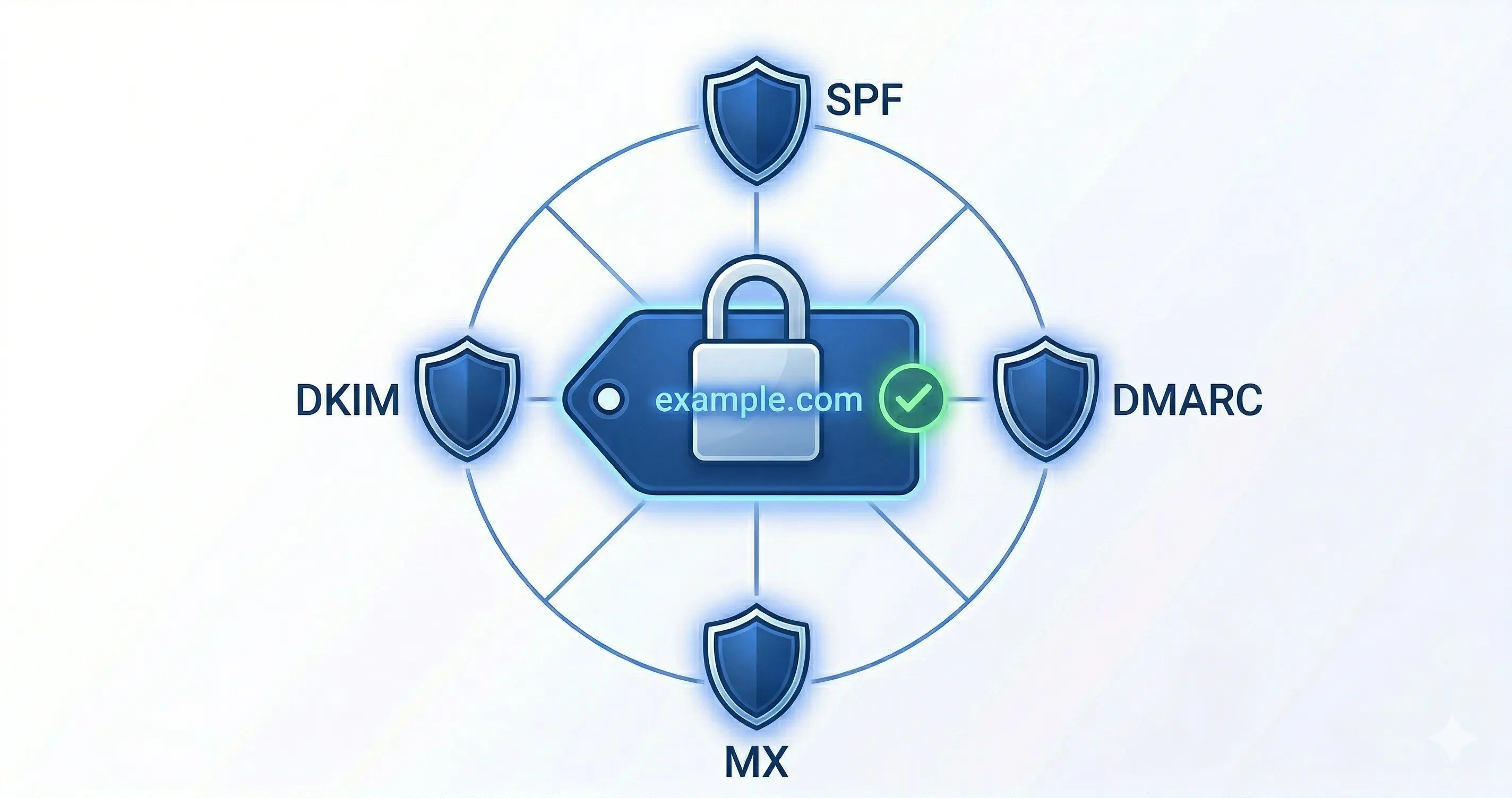
The solution: 4 DNS actions
The logic is simple: if your domain does not send email, say so explicitly. It is not enough to simply leave it unused. Publishing that intent in DNS helps other systems interpret the domain correctly.
1. SPF - “Nobody is authorized to send”
yourdomain.com TXT "v=spf1 -all"SPF tells receiving servers which sending sources are allowed to use your domain. With -all and no IP addresses included, the message is clear: you authorize no sender.
That alone does not guarantee every forged message will be rejected by every receiver, but it does make any message claiming to come from this domain fail SPF explicitly.
2. DMARC - “If aligned authentication fails, reject it”
_dmarc.yourdomain.com TXT "v=DMARC1; p=reject; rua=mailto:dmarc-reports@yourmain-domain.com;"DMARC tells receivers that evaluate DMARC what they should do when a message does not pass SPF or DKIM with domain alignment. With p=reject, you are asking those receivers not to accept those messages as legitimate.
The rua parameter is optional, but useful: it lets you receive aggregate reports so you can see whether someone is trying to abuse your domain. Use an address on a domain that does have working email.
If rua points to a different domain, that receiving domain must also authorize report delivery with an additional DNS record like this:
yourdomain.com._report._dmarc.yourmain-domain.com TXT "v=DMARC1"3. Null MX - “This domain does not receive mail”
yourdomain.com MX 0 .Null MX explicitly declares that the domain has no mail server. The dot (.) as the destination tells other systems not to try delivering mail here, because this domain does not accept email.
That is operationally useful because it prevents unnecessary delivery attempts and makes it clear that the domain is parked on the receiving side too.
4. Remove or revoke legacy DKIM selectors
For a parked domain, the cleanest approach is not to publish DKIM keys at all.
If your domain still has old selectors under _domainkey - for example TXT or CNAME records left over from a previous setup - remove them. DKIM works per selector, so the review should focus on specific records, not on a generic wildcard.
If you need a temporary revocation during a transition, you can revoke a specific selector with an empty key value:
selector1._domainkey.yourdomain.com TXT "v=DKIM1; p="Use that only for specific selectors you want to invalidate. For a domain that never sends mail, the end state should be that no active DKIM public keys are published.
Why these 4 actions work together
Each one covers a different angle:
- SPF declares that there are no authorized senders.
- DMARC publishes a rejection policy and gives you visibility through reports.
- Null MX makes it clear the domain does not receive email.
- DKIM cleanup prevents old keys from lingering in DNS.
No single control does everything. Together, they create a coherent stance: this domain does not participate in email, and any apparent use of it should be treated as suspicious.
Verification
After publishing the records, verify that they are visible in DNS:
nslookup -type=TXT yourdomain.com
nslookup -type=TXT _dmarc.yourdomain.com
nslookup -type=MX yourdomain.com
Then inspect your DNS panel for any selectors under _domainkey, such as:
selector1._domainkey.yourdomain.comgoogle._domainkey.yourdomain.comdefault._domainkey.yourdomain.com
If you find legacy records you no longer use, remove them or revoke them explicitly.
Useful online tools:
Do not leave it for later
If you buy domains regularly - for projects, brand protection, or investment - build a template with these actions and apply it from day one. Do not wait for the project to start. The domain can be abused by third parties from the moment it is registered.
Keep all parked domains in an inventory and review them periodically. A forgotten domain without these protections is an unnecessary opportunity for abuse.
Related reading: If your domain does receive mail, the next step is MTA-STS: protect your domain’s email in transit to strengthen TLS between mail servers.
By Cesar Rosa Polanco - Based on a real-world case, with AI used as an editorial assistant.