Context: Why This Matters
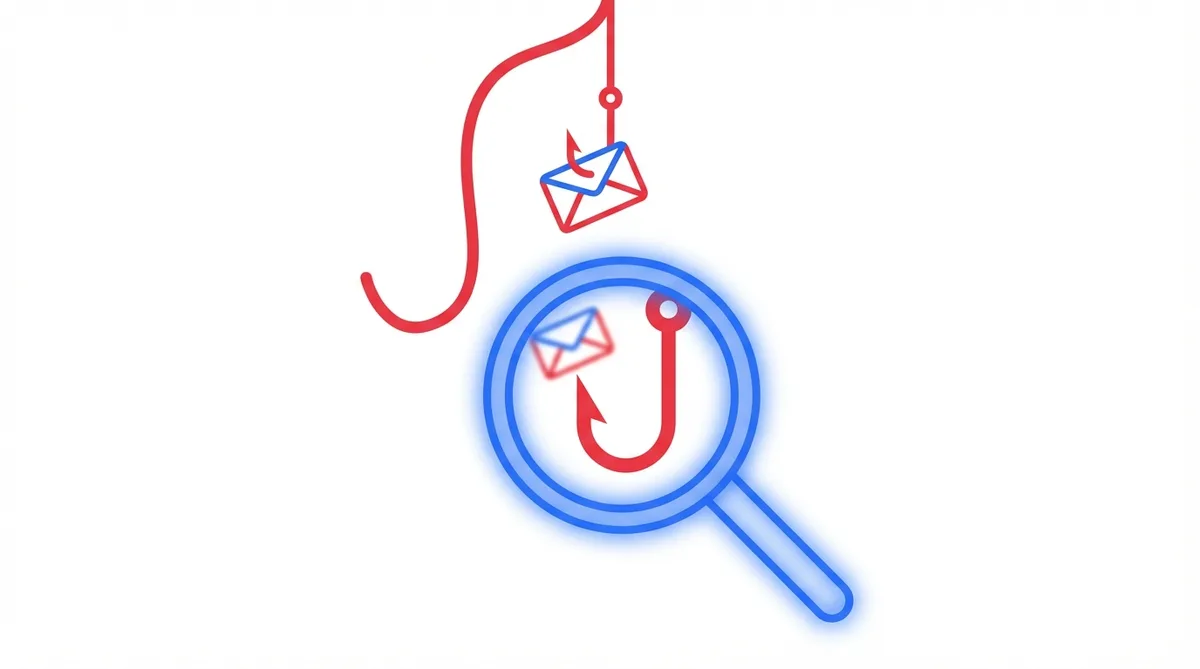
Phishing is attack vector #1 in cybersecurity. Not because it’s sophisticated, but because it works. 90% of targeted attacks start with a well-crafted email that fools you in 3 seconds. The difference between your data staying secure and being compromised lives here: in spotting quickly whether that email is real.
The next 5 points are your immediate defenses.
1. Sender doesn’t match
Look at the full address, not just the name. support@micros0ft-alerts.com isn’t Microsoft.
Real example: I got an email that looked like Apple-perfect logo, design, everything. It said “Verify your identity.” The sender was apple-security@notification-applesecurity.com. Not even from apple.com. The attacker was betting nobody checks.
What to do: Before doing anything, look at the From: field in your email. Hover your mouse over the sender’s name (some clients show this). If the actual address doesn’t include the legitimate domain (@apple.com, @microsoft.com, @yourbank.com), it’s phishing. When in doubt, go to the official site (type the URL yourself, don’t copy from the email) and contact them from there.
2. Artificial urgency
“Your account will be suspended in 24 hours.” Real companies don’t threaten like this via email.
Real example: An email pretending to be from my hosting provider said “ACTION REQUIRED: Your server will be deactivated in 4 hours.” Panic is the weapon. With that level of urgency, most people don’t check the sender or the link carefully.
What to do: If you feel an immediate impulse to act, that’s a red flag. Legitimate companies warn with time; they don’t threaten. If it’s critical, call using a number you already have on file (not from the email) or log in directly to their site without using links from the email. Check there if there’s actually a problem.
3. Suspicious links
Hover without clicking. If it points to http://bank-verification.xyz, it’s phishing.
Real example: I saw an email claiming to be Stripe “confirmation” with a button “Verify your account now.” I hovered before clicking: it pointed to strjpe-verify.co (note the “j” instead of “i”). The phishing is in the details.
What to do: Always, always hover over links before clicking (or long-press on mobile to see the destination URL). Fake domains use typographic tricks: g00gle.com (zero instead of O), rn instead of m, Unicode characters that look identical. If the domain isn’t exact, don’t click. If you need to act, open a new tab and go to the legitimate site by typing the URL yourself.
4. Asking for sensitive data
No bank asks for your password via email. Ever.
Real example: I got an email that appeared to be from PayPal, saying “Verify your identity by completing the attached form” and requesting username, password, and OTP code. PayPal never does this. If I’d clicked, I would have lost account access in seconds.
What to do: This one is the clearest. No legitimate entity (bank, email provider, social network, payment platform) asks for credentials, card numbers, PIN codes, or OTP codes via email. If you get that message, it’s phishing-guaranteed. Don’t reply, don’t fill anything out, don’t open attachments. Delete it and mark it as spam/phishing in your email client.
5. Unexpected attachments
.zip, .exe, .docm you didn’t expect = don’t open.
Real example: I got an email titled “Invoice_2026.zip” from what looked like a client’s address. I was expecting PDF invoices, not compressed files. When I extracted the ZIP, it contained a .exe disguised as a document. Pure malware.
What to do: If you weren’t expecting an attachment, or it’s an unusual format, be suspicious. Executables (.exe, .bat, .cmd, .scr), Office files with macros (.docm, .xlsm), and compressed files (.zip, .rar, .7z) are common malware vehicles. When in doubt, ask the sender through another channel (phone, Slack, a meeting) before opening.
What if you already clicked?
Don’t panic, but act fast:
-
If you clicked a link: Change your password immediately from a different device. If you use that password on other sites, change it there too. Monitor your account for unusual activity.
-
If you downloaded a suspicious file: Don’t run it. Scan it with VirusTotal (upload the file) to check if it’s malware. If it’s an executable or has macros, delete it outright.
-
If you entered credentials on a fake page: Change your password on the official platform NOW. Look for unauthorized activity. If it’s critical (email, banking), consider enabling two-factor authentication or contacting support.
-
If you think there’s real fraud: Call the entity (bank, platform) directly. Check your credit reports. In some countries, there are government agencies you should notify for identity theft.
Learn more
For technical professionals, protect your domain’s email transport with MTA-STS - this prevents attackers from downgrading your connections to plaintext.
By: Cesar Rosa Polanco - Based on a real case, with editorial support from artificial intelligence.