The previous two articles, Agent Architecture: Gold in Your Chats and How to Refine the Gold in Your Chats, covered two parts of my setup: a personal agent built on Hermes and the collection of material that feeds it, drawn from my chat history. The third is the interface I use to work with that agent every day: Hermes WebUI.
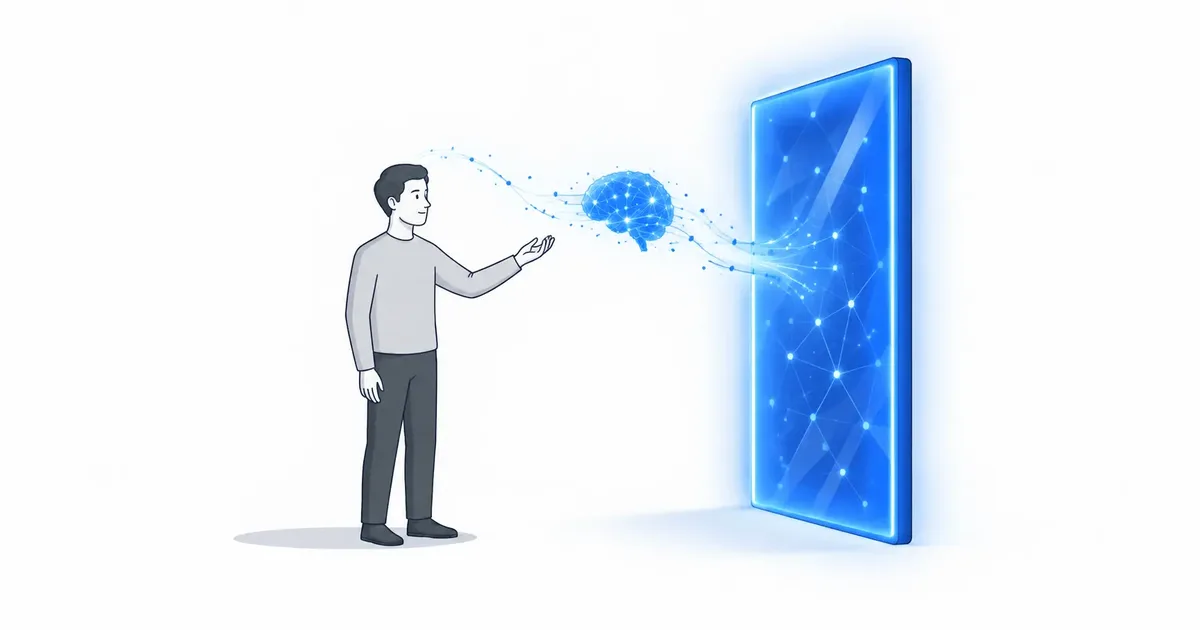
I want control over my chats and the freedom to use whichever model suits me. I want to switch large language models, or LLMs, without having to move my history, rebuild my setup, or change how I organize my work. That freedom is why I set up Hermes WebUI.
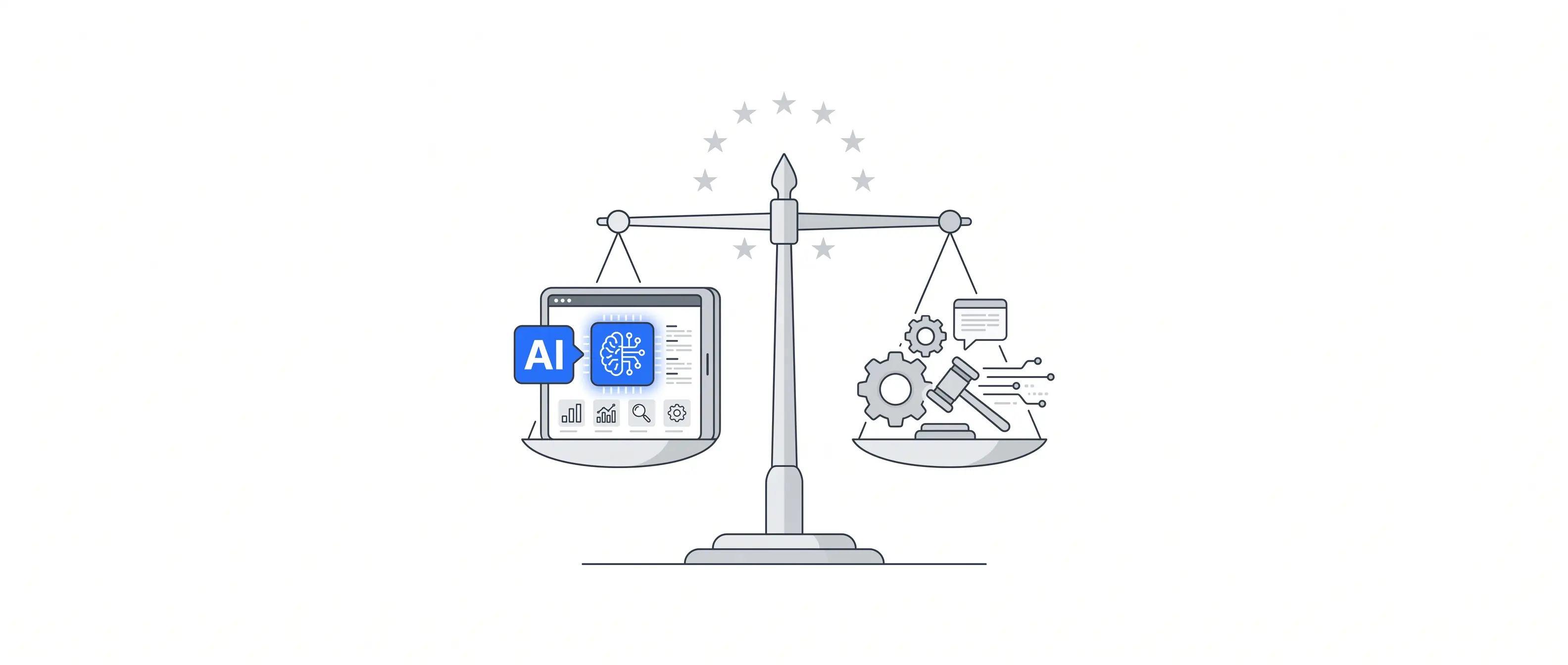
Data sovereignty means something specific here: I control where my history is stored and choose which provider processes the context of each conversation. When I use an external application programming interface, or API, that content leaves my server. The control lies in choosing that dependency and being able to change it.
What I need from a chat interface
Putting a text box in front of a model is easy. For everyday use, I needed five things:
- Separate projects, rather than one endless list of conversations.
- Saved, searchable history, so I can find earlier decisions and corrections.
- Document attachments, without having to copy and paste everything.
- Approval prompts for commands the agent identifies as dangerous.
- Access across devices, including my phone, with the model I choose.
Hermes WebUI brings those features together. It makes the agent I was already using in the terminal more convenient to work with every day.
An interface built by the community
Hermes WebUI is a community project created by Nathan Esquenazi and released under the MIT license, named after the Massachusetts Institute of Technology. Its approach is straightforward: Python on the server, plain JavaScript in the browser, and no build step.
By default, it runs the agent in the same process and reads the configuration, memory, and skills from the existing Hermes installation. That integration brings much of the terminal experience into the browser.
It also makes compatibility between the two projects important. Before updating either one, check what it needs from the other. The interface is part of the agent’s working environment, so a change can affect the whole setup.
Getting it running
I installed it directly on the server, without containers. A systemd user service handles startup and restarts. For a service like this to start at boot and keep running without an active login session, the user’s persistence setting, known as linger, needs to be configured appropriately. The permissions required to enable it depend on the system.
My first step was to pin a version. The available stable releases dated back to August and predated the version of Hermes I was using. I chose a recent experimental release and pinned its commit rather than following a branch that could change. The date helped narrow the choice, but a date alone doesn’t establish compatibility. You still need to read the changes and test the combination.
Before starting the service, I ran a basic check: could the Python interpreter used by Hermes import the agent? That catches some environment problems, though it doesn’t establish that the interface itself works. In my installation, I didn’t need to add any dependencies.
The service listens only on the loopback address, reachable from the server itself, never on a public network interface. On my setup, it used about 130 megabytes of memory at startup. That’s a measurement of this installation at rest, not a forecast of its memory use while working.
Remote access with identity checks
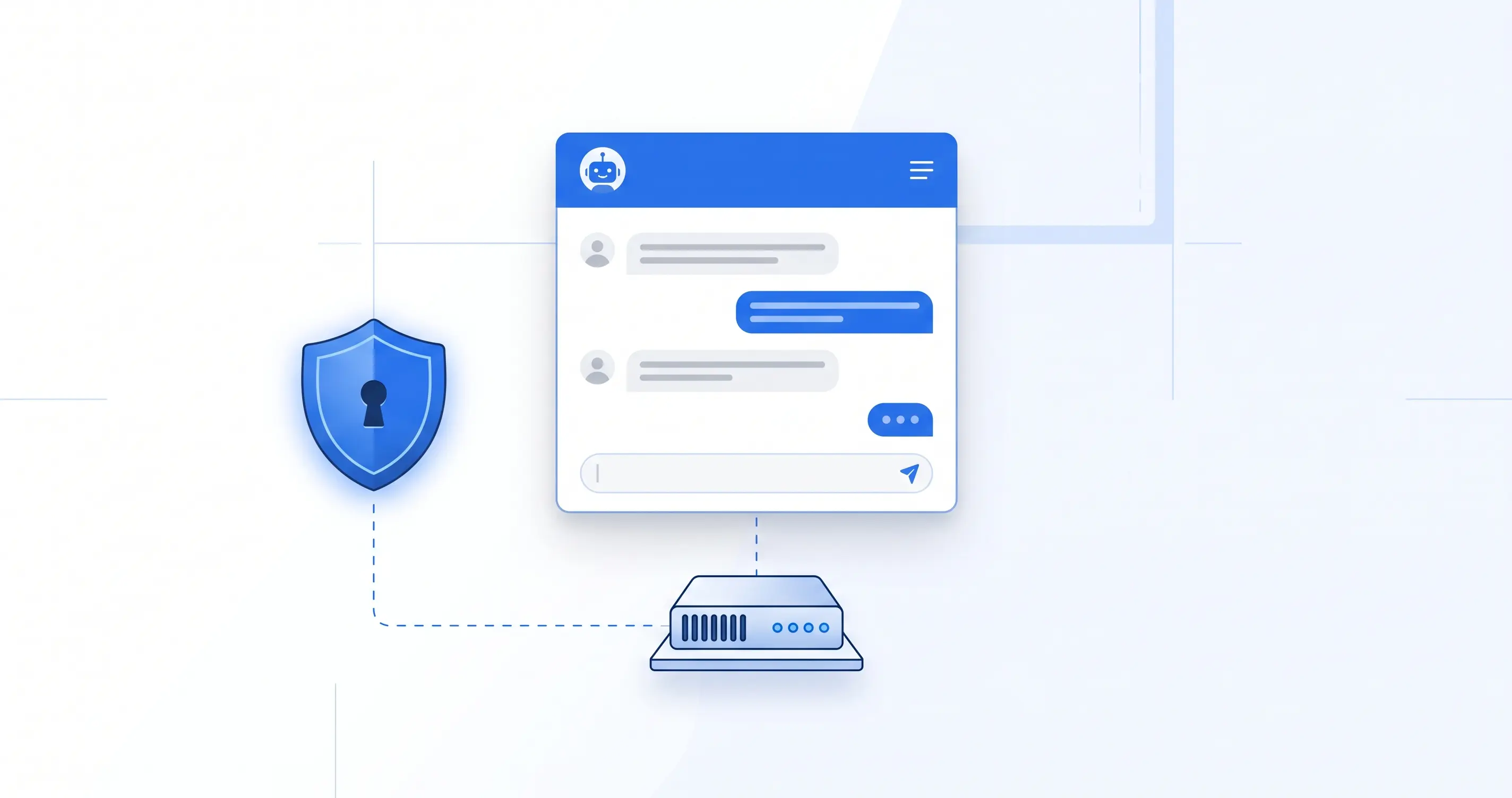
I used Cloudflare to make the chat accessible over the internet. There are two parts to the setup: Access controls who can get in, and Tunnel connects the subdomain to the service running on my server.
Access sits in front of an address such as chat.yourdomain.com. Signing in with Google establishes your identity; the Access policy must restrict entry to authorized accounts. Simply having a Google account isn’t enough. The distinction between proving who you are and having permission to enter is central to configuring those policies.
The tunnel connects outward from my server to Cloudflare and carries requests back to the local service. That lets me reach the chat without opening a new inbound port in the server’s firewall.
Two configuration details helped avoid connection problems. First, point the tunnel at 127.0.0.1 rather than localhost if the interface listens on Internet Protocol version 4, or IPv4. The hostname may resolve to IPv6 first, leaving the two ends unable to connect. Second, the connection between the tunnel connector and the interface uses HTTP, the Hypertext Transfer Protocol, because it stays within the same machine. The browser connects to Cloudflare over its secure counterpart, HTTPS, and the tunnel back to the server is encrypted.
I kept the interface’s password as a fallback for direct access through an authenticated tunnel. Access and that password can provide separate layers of protection. Listening on loopback limits exposure, but I still need to control the routes through which the service can be reached.
When file uploads wouldn’t work
The chat was working, but every file upload failed. Instead of completing the upload, I got a Cloudflare security challenge.
The security event pointed to Cloudflare’s OWASP ruleset. OWASP stands for Open Worldwide Application Security Project, a nonprofit foundation dedicated to improving software security. Its projects include a set of rules for detecting potentially malicious requests, which Cloudflare adapts for its own service. OWASP is the organization; the rules being triggered were Cloudflare’s implementation.
That ruleset adds to a score whenever it finds suspicious patterns in a request. Once the score exceeds the configured threshold, it takes the specified action. In my case, uploads were triggering a challenge that prevented them from completing. Cloudflare warns that these rules can produce false positives, flagging legitimate requests as suspicious.
I fixed it with an exception for the subdomain that skipped both the OWASP ruleset and Cloudflare’s general managed ruleset. These exceptions are configured under Security rules in the dashboard. The exception determines which checks to skip; the managed rulesets contain the detection rules. Cloudflare Access continues to control who can enter the chat.
Uploads worked again, though the exception was broad and those checks no longer applied to requests for that subdomain. My takeaway is to identify the rule causing the block and, wherever possible, limit the exception to that rule and the upload path. Cloudflare supports exceptions with that scope. That gives you a way to address the false positive while keeping the other checks in place.
On my phone, too
On my phone, I open the address in the browser and add it to the home screen. That gives me an icon that opens the chat full screen. On an iPhone, I may need to sign in again when opening it this way.
What it costs to use
Hermes WebUI doesn’t charge a subscription fee for the interface. Running my own chat still has costs, though: the server, domain, backups, and any APIs I use. If the infrastructure is already paid for, most of the additional expense may come from the model.
The API bills for input and output tokens. Input can include instructions, previous messages, documents, and tool results, as well as the message I’ve just typed. That’s why a short question in a long session can cost more than a lengthy request in a new conversation.
One message doesn’t necessarily mean one API call, either. The agent may call the model several times as it works with tools. And the saved history isn’t necessarily identical to the context sent with each call: it may have been summarized or compacted.
I use Anthropic’s API with Claude Sonnet 5. As of September 25, 2026, the published rate is US$2 per million input tokens and US$10 per million output tokens. Cache writes and reads have separate rates.
Here’s what those numbers look like in practice. A call with 20,000 input tokens and 2,000 output tokens costs US$0.06 at standard rates, without caching or additional charges. Increase the input to 200,000 tokens and keep the output the same, and the cost rises to US$0.42. These are illustrative calculations, not measurements from my conversations.
Prompt caching can reduce the cost of processing repeated content when it’s configured and its conditions are met. So it would also be misleading to say that the entire history is always billed again at the full input rate.
The interface’s context and cost indicators help me keep track of usage; the provider’s records are the reference for what I’m actually charged. My working rule is to start a conversation for each topic and stop carrying context forward once it no longer helps. I wrote about how far a bill can climb when you lose track in The Day I Spent $83 on AI Tokens.
Paying by usage can be cheaper than a subscription, or more expensive. It depends on the model, the context, and how many calls the agent makes. Running the chat on my own server doesn’t change that math.
Limitations and upkeep
The repository’s issue reports give a sense of what can go wrong. One describes delays of four to seven seconds when synchronizing long sessions under load. Another covers stuck sessions and unannounced model changes. Others report problems keeping profiles separate and consistent (#5619 and #7259).
These are reports from particular versions and conditions. They don’t mean every user will encounter the same problems, and the fact that the project is built by a community doesn’t, by itself, explain their cause. They do help identify what to check before installing or updating.
The practical responsibility is clear: read the changes, check compatibility, back up the history and configuration, and keep a way to return to a working version if an update fails. After updating, check the basics too: sending messages, attaching files, and reopening sessions.
That upkeep is part of the cost of running my own infrastructure. Installation is a finite task. Responsibility for the service continues.
A chat of my own
The architecture preserves the separation described in the previous articles: an agent layer and a reasoning model I can replace. My history, configuration, and working memory stay in the environment I manage, even as capabilities and costs change with the model. I can choose an LLM for its quality, price, or suitability, and choose another when it no longer meets my needs.
Claude and ChatGPT will still have a place in my work. With Hermes WebUI, I control the continuity of my chats and keep my choice of model open. That’s what I want from it: control over my data and a say in who processes it.
Getting it running can take an afternoon if the server and agent are already in place. Keeping it running takes ongoing attention. That upkeep is part of the price of this freedom: keeping my conversations under my control and choosing which model I work with next.
By Cesar Rosa Polanco - Based on firsthand experience, with artificial intelligence used for editorial support.